Google Is Automatically Saving Your Photos and Audio, but You Can Stop It

Smartphones have become extensions of daily life, capturing everything from family photos and shopping lists to voice notes and screenshots. Increasingly, that information is also helping power artificial intelligence tools designed to make digital assistants more useful and personalized.
Google recently expanded several AI-powered features across Android devices and its Gemini assistant ecosystem. These tools can analyze screenshots, remember previous conversations, process voice interactions, and generate personalized responses based on a user’s activity. While many of these capabilities are designed for convenience, privacy advocates say they also raise important questions about what information is being collected and stored.
For many users, the surprise is not necessarily that data is being saved, but that some features are enabled by default or require multiple settings menus to fully understand. As AI assistants become more deeply integrated into everyday technology, understanding what is being stored—and where—is becoming an increasingly important part of digital privacy.
How Google Stores Photos, Screenshots, and Voice Data

Several Google services rely on stored information to improve personalization. Features such as Gemini Apps Activity can save conversations, prompts, and interactions with Google’s AI assistant. Depending on settings, those records may be retained for periods of time to help improve products and provide context for future interactions.
Screenshots and images can also become part of AI-powered experiences. Certain Google tools are designed to analyze saved images, photos, or screenshots to answer questions, summarize information, or provide recommendations. These features often require access to content stored on a user’s device or within connected Google services.
Voice interactions represent another category of stored data. Users who interact with Google Assistant or Gemini using voice commands may have audio recordings linked to their accounts if voice activity settings are enabled. These recordings can help improve speech recognition systems, though Google provides options for reviewing and deleting stored audio history.
The Settings Most Users Never Check
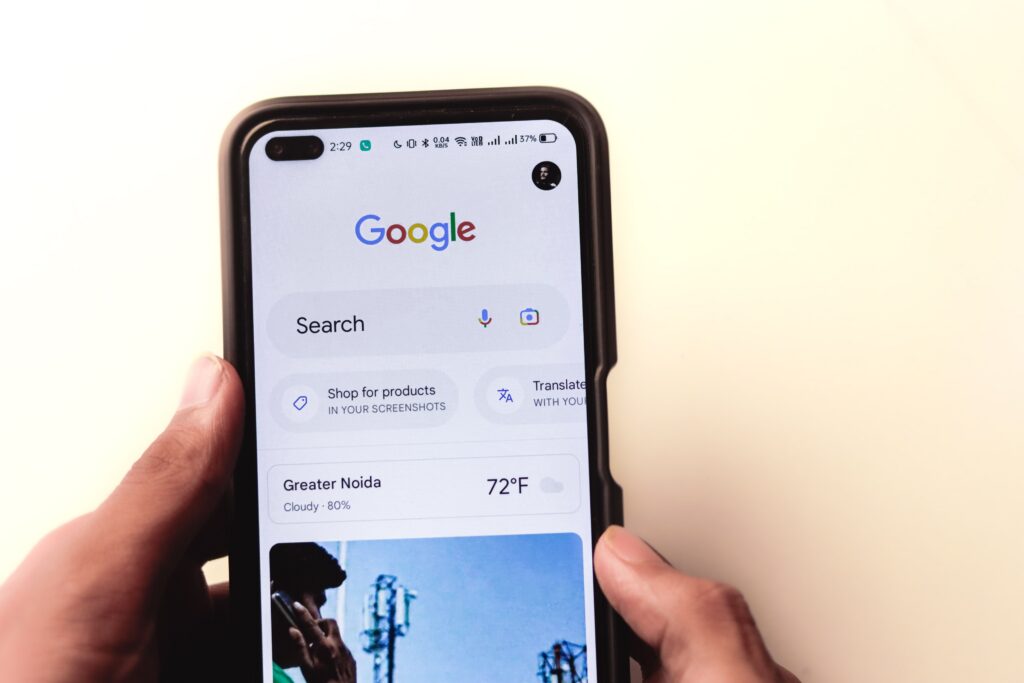
Privacy experts often note that many people rarely review account settings after initially setting up a device. As a result, data collection preferences that were accepted years ago may remain active without users realizing it.
Google provides several tools that allow users to manage activity history, including controls for Web & App Activity, Location History, YouTube History, and Gemini Apps Activity. Users can view what information is being stored, delete individual items, set automatic deletion schedules, or disable certain forms of tracking altogether.
The challenge is that these controls are spread across multiple sections of a Google account. Features tied to AI tools may have separate settings from those governing search history, photos, or voice recordings. Navigating these menus can be confusing, making it easy for users to overlook options that affect how much personal information is retained.
Why Digital Privacy Is Becoming a Bigger Conversation

The debate extends beyond Google alone. Technology companies across the industry are racing to build increasingly capable AI systems, many of which depend on large amounts of user-generated information to function effectively. The balance between convenience and privacy has become one of the defining questions of the AI era.
Supporters argue that personalized AI assistants can save time, improve productivity, and deliver more relevant results. Critics counter that users often lack a clear understanding of how their information is collected, stored, and used. They say transparency and easy-to-use privacy controls are essential as AI becomes more deeply embedded in daily life.
For consumers, the most important takeaway may be awareness. Google does offer tools that allow users to review, delete, or disable various forms of data collection. As AI-powered features continue expanding across phones, computers, and online services, regularly reviewing privacy settings is becoming as important as updating passwords or enabling two-factor authentication.